Physical AI Infrastructure: Hardware and Computing Requirements
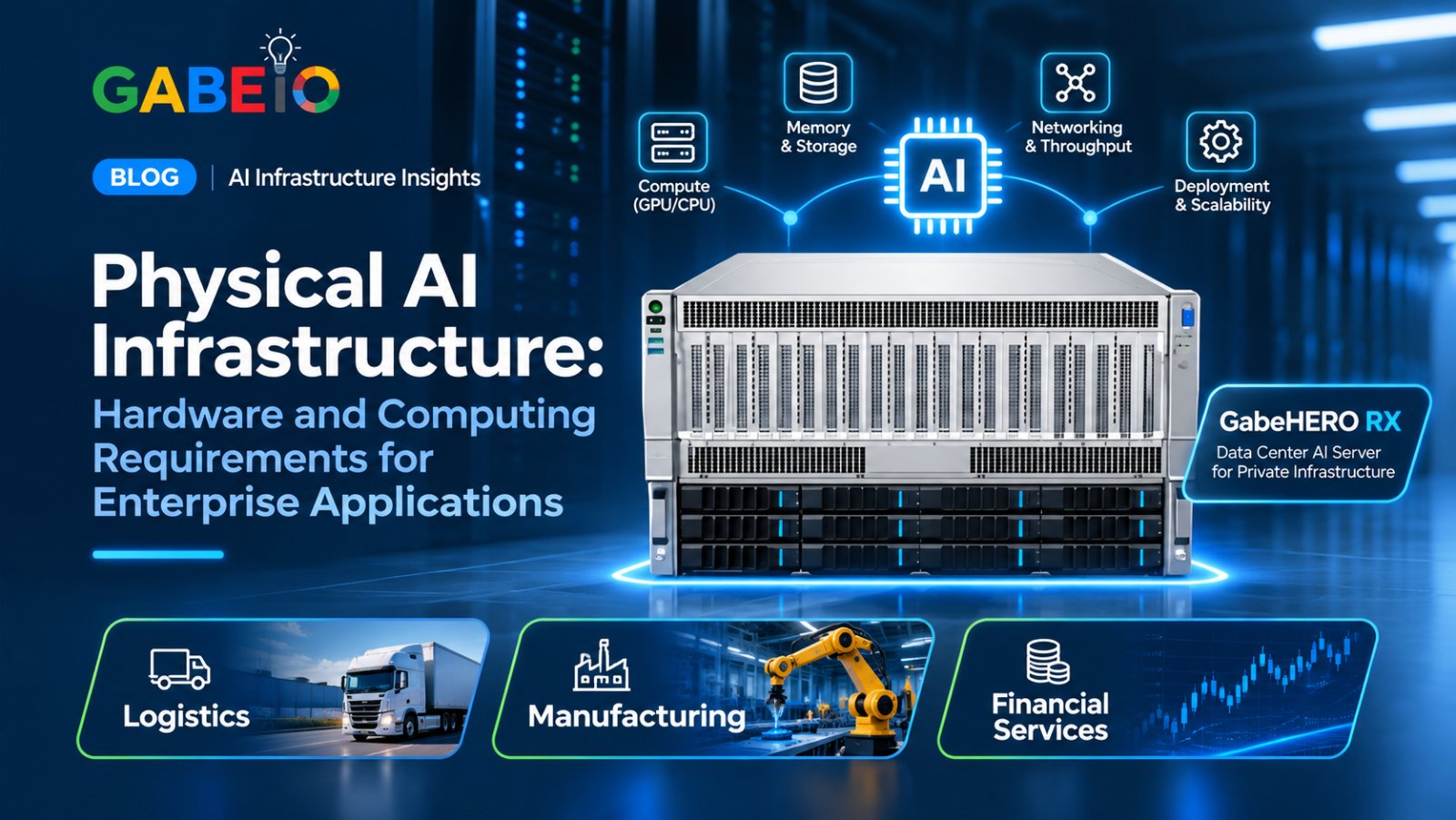
Artificial intelligence is expanding beyond digital applications into physical environments. Robots, autonomous machines, industrial systems, and other intelligent devices are increasingly being developed to perceive, interpret, and interact with the world around them.
This development is commonly referred to as Physical AI.
Unlike traditional AI applications that primarily process digital information, Physical AI systems must operate in environments where physical conditions, movement, sensor information, and real-world interactions matter.
Developing these systems requires more than an AI model. Organizations need computing infrastructure capable of supporting model development, training, simulation, testing, and deployment preparation.
GPU servers and other high-performance computing systems can provide the processing resources needed for these activities.
This article explains Physical AI infrastructure, the hardware and software involved, and what enterprises should consider when building an environment for Physical AI development.
What Is Physical AI?
Physical AI refers to artificial intelligence systems designed to understand and interact with physical environments.
These systems may use AI models, sensors, cameras, simulation environments, and robotics software to interpret information and support physical actions.
Examples include:
- Industrial robots.
- Autonomous mobile robots.
- Intelligent warehouse systems.
- Autonomous machines.
- Robotic inspection systems.
- AI-enabled manufacturing equipment.
Physical AI development involves creating and testing systems that can perceive their surroundings, interpret information, and respond appropriately to changing conditions.
For example, an industrial robot may use camera information and AI models to recognize objects and determine how to interact with them.
Developing such a system requires appropriate models, data, simulation tools, computing resources, and testing.
1. Why Physical AI Requires Specialized Computing Infrastructure
Physical AI applications can involve computationally demanding development activities.
These may include processing sensor data, training AI models, running simulations, evaluating different scenarios, and testing system behavior.
Organizations developing Physical AI applications may need infrastructure capable of supporting:
- GPU-accelerated computing.
- AI model training and inference.
- Simulation workloads.
- Computer vision development.
- Large datasets.
- Multiple development environments.
- Experimentation and testing.
The required infrastructure depends on the application, model, simulation environment, and development process.
A robotics development project may have different computing requirements from an industrial inspection application or an autonomous mobile robot.
Therefore, infrastructure should be selected according to the specific development workload.
2. The Role of GPUs in Physical AI Development
GPUs are important in Physical AI because many development workloads involve computationally intensive operations.
These include AI model training, image processing, simulation, and other accelerated computing tasks.
When selecting GPU infrastructure, organizations should evaluate several factors.
GPU Computing Capability
The GPU architecture and computing capability should match the intended software and workloads.
Some development activities may require substantial GPU processing resources, particularly when working with complex models or computationally demanding simulations.
GPU Memory
GPU memory affects the size and complexity of workloads that can be processed.
Requirements depend on:
- Model size.
- Image and sensor data.
- Simulation complexity.
- Batch size.
- Training methodology.
- Software requirements.
Organizations should validate memory requirements against their intended applications.
Multi-GPU Computing
Some Physical AI development workloads can benefit from multiple GPUs.
A multi-GPU server can provide additional computing resources for compatible training, simulation, and development applications.
However, the benefits depend on whether the software can distribute workloads across multiple GPUs.
The number of GPUs alone does not determine performance.
3. Simulation Infrastructure for Physical AI
Simulation is an important part of Physical AI development.
It allows developers to create virtual environments where AI systems and robotic applications can be tested under different conditions.
Instead of relying entirely on physical prototypes, development teams can use simulation to explore scenarios, evaluate system behavior, and identify potential problems.
Simulation environments may represent:
- Manufacturing facilities.
- Warehouse layouts.
- Industrial equipment.
- Robotic workspaces.
- Objects and physical obstacles.
- Environmental conditions.
Simulation can support development activities such as testing robot navigation, evaluating object interactions, and studying system behavior.
Why Simulation Matters
Testing physical systems can be expensive and time-consuming.
Simulation provides a controlled environment for evaluating applications before they are tested with physical equipment.
It can also help developers repeat scenarios and investigate different operating conditions.
However, simulated results do not automatically guarantee real-world performance. Physical testing and validation remain necessary.
4. Data Requirements for Physical AI
Physical AI development relies on data from the environments and systems being studied.
Depending on the application, this may include:
- Camera images and video.
- Sensor measurements.
- Robot movement information.
- Environmental observations.
- Simulation data.
- Training datasets.
- System performance records.
Managing these datasets requires appropriate storage and data-processing infrastructure.
Organizations should consider:
Storage capacity: Physical AI projects may generate large volumes of images, video, sensor information, and simulation outputs.
Data quality: Training and evaluation datasets should be reviewed for accuracy, consistency, and relevance.
Data organization: Development teams need structured methods for managing datasets, model versions, and experiment results.
Data security: Organizations should protect proprietary designs, operational information, and other sensitive development data.
5. Software Requirements for Physical AI
Physical AI infrastructure requires software that supports model development, simulation, training, and application testing.
Depending on the project, the software environment may include:
- AI development frameworks.
- Computer vision tools.
- Robotics software.
- Simulation environments.
- GPU computing libraries.
- Model training and inference tools.
- Data-processing frameworks.
- Development and orchestration platforms.
NVIDIA's Physical AI ecosystem includes technologies for robotics simulation, AI development, and accelerated computing.
For example, NVIDIA Isaac Sim is a robotics simulation application designed to support the development and testing of robotic systems. NVIDIA Isaac Lab provides a framework for robot learning and simulation-based development. <Cite refs={["turn57291search0","turn57291search1"]}/>
Organizations should verify software compatibility, supported hardware, licensing, and version requirements before selecting their infrastructure.
6. Physical AI in Manufacturing
Manufacturing is one of the industries where Physical AI development can support industrial automation and intelligent equipment.
Potential applications include:
Robotic Automation
Physical AI can support the development of robotic systems designed to interact with objects and perform selected tasks.
Simulation and AI training can help development teams evaluate robot behavior before physical testing.
Intelligent Inspection
Computer vision and AI models can support applications that analyze images and identify product characteristics or potential defects.
These systems require suitable imaging equipment, data, models, and validated inspection workflows.
Industrial Simulation
Manufacturers can use simulation environments to evaluate robotic workflows, factory layouts, and interactions between equipment.
GPU infrastructure can support the computing requirements of these development activities.
7. Physical AI in Logistics
Logistics environments involve warehouses, transportation operations, inventory movement, and material handling.
Physical AI development may support applications such as:
Autonomous Mobile Robots
Autonomous mobile robots are designed to navigate environments and move materials or goods.
Their development can involve sensor processing, navigation algorithms, simulation, and testing.
Warehouse Robotics
Robotic systems can support selected warehouse activities, including material handling and object interaction.
Developing these applications requires suitable robotics software, simulation environments, and AI computing resources.
Robotic Simulation
Simulation can help logistics technology teams evaluate robot movement, warehouse layouts, and operational scenarios before physical deployment.
The actual capabilities depend on the robotic system, sensors, software, and operating environment.
8. Physical AI and Enterprise Computing Infrastructure
Physical AI development often involves several computing environments.
It is important to understand the difference between infrastructure used for development and the hardware that operates a physical system.
| Infrastructure type | Primary role |
|---|---|
| GPU server | Supports model training, simulation, and development workloads |
| AI workstation | Supports local AI development and inference |
| Simulation environment | Provides virtual testing environments |
| Robot or edge computer | Runs software on or near the physical system |
| Sensors and cameras | Capture information from the physical environment |
A data-center GPU server can provide computing resources for developing and testing Physical AI applications.
However, it is not automatically a replacement for the onboard computing hardware required by a robot or autonomous machine.
Organizations should design the complete architecture according to the application's processing, connectivity, and real-time requirements.
9. What to Consider When Selecting Physical AI Infrastructure
Selecting infrastructure for Physical AI requires evaluating both current development needs and future expansion.
GPU Configuration
Determine the GPU architecture, memory capacity, and number of GPUs required by the intended workloads.
CPU and System Memory
Evaluate CPU capacity and system memory for data processing, simulation, and application execution.
Storage
Consider the volume of training datasets, sensor recordings, simulation outputs, and model files.
PCIe Connectivity
Confirm that the server's PCIe configuration supports the intended GPUs and expansion components.
Networking
Evaluate connectivity requirements between computing systems, storage environments, and development platforms.
Power and Cooling
Multi-GPU systems may require substantial power and cooling capacity. Confirm facility requirements for the selected configuration.
Software Compatibility
Verify compatibility with the required robotics frameworks, simulation tools, GPU software, and operating systems.
Scalability
Consider whether the infrastructure can accommodate additional GPUs, storage, and computing resources as development requirements grow.
10. How to Build a Physical AI Development Environment
Organizations planning Physical AI projects should begin with a clearly defined development objective.
Step 1: Identify the Physical AI Application
Determine whether the project involves robotics, autonomous machines, industrial inspection, simulation, or another application.
Step 2: Define the Development Workloads
Identify the training, simulation, computer vision, and testing activities required.
Step 3: Assess Computing Requirements
Estimate GPU capacity, memory, CPU requirements, storage, and networking needs.
Step 4: Select the Software Environment
Choose the required development frameworks, robotics software, simulation tools, and AI platforms.
Step 5: Select the Infrastructure
Evaluate whether an AI workstation, GPU server, or combination of systems is appropriate.
Step 6: Establish Data and Security Controls
Define how datasets, simulation outputs, model files, and development records will be stored and protected.
Step 7: Test and Validate
Run representative development workloads and evaluate computing performance, software compatibility, and system stability.
Step 8: Plan for Physical Deployment
Determine how the developed AI application will eventually connect to the physical robot, machine, or industrial system.
11. How GabeHERO RX Supports Physical AI Infrastructure
Developing Physical AI applications can require substantial computing resources for training, simulation, and experimentation.
Organizations may therefore need server-class GPU infrastructure to support these activities.
GabeHERO RX is a data-center AI server designed for private infrastructure, enterprise AI training and inference, and Physical AI workloads.
Its documented platform specifications include:
- GPU platform: NVIDIA RTX PRO 6000D.
- GPU configuration: Up to eight dual-width GPUs, subject to configuration.
- GPU power: Up to 600W per card.
- CPU options: Two Intel Xeon 4th/5th Gen processors or two AMD EPYC 9004/9005 processors.
- Form factor: 6U rack server.
- Storage: Twelve front bays, comprising eight SATA/SAS and four SATA/SAS/NVMe.
- Expansion: Eleven PCIe 5.0 slots.
- MIG support: Yes.
- Operating system: Preinstalled HerosOne Operating System.
Supporting Physical AI Development
GabeHERO RX provides a multi-GPU server platform for organizations evaluating computing infrastructure for Physical AI development.
Potential applications include:
- AI model training for physical systems.
- Robotics development and experimentation.
- GPU-accelerated simulation workloads.
- Physical AI research and development.
- Enterprise AI training and inference.
The suitability of a particular application depends on the selected GPU configuration, memory capacity, software compatibility, and workload requirements.
Organizations should confirm support for specific simulation tools, robotics frameworks, and development applications before deployment.
GabeHERO RX provides the server infrastructure. It should not be described as a complete robotics platform or an onboard robot controller.
Frequently Asked Questions
What is Physical AI infrastructure?
Physical AI infrastructure refers to the computing hardware, software, storage, networking, and simulation environments used to develop, train, test, and support AI systems that interact with physical environments.
What hardware is needed for Physical AI?
Requirements depend on the application. They may include GPUs, CPUs, system memory, storage, networking, cameras, sensors, and specialized robotic or edge-computing hardware.
Why are GPUs important for Physical AI?
GPUs can accelerate AI training, computer vision, simulation, and other computationally demanding development workloads.
What is the role of simulation in Physical AI?
Simulation provides virtual environments where developers can test robotic systems, evaluate scenarios, and study system behavior before physical testing.
Can Physical AI be used in manufacturing?
Yes. Potential applications include robotics, industrial inspection, intelligent automation, and simulation-based development.
Can Physical AI be used in logistics?
Yes. Potential applications include autonomous mobile robots, warehouse robotics, material handling, and simulation of logistics environments.
What is the difference between a GPU server and a robot computer?
A GPU server provides computing resources for development, training, simulation, and other workloads. A robot computer operates as part of the physical robotic system and handles its specific onboard computing requirements.
Does Physical AI require multiple GPUs?
Not always. The required GPU configuration depends on model complexity, simulation workloads, training methodology, and computing requirements.
Can GabeHERO RX support Physical AI workloads?
GabeHERO RX is positioned for Physical AI training and simulation workloads. Specific software compatibility and workload requirements should be confirmed with engineering.
Conclusion
Physical AI is expanding the role of artificial intelligence beyond digital applications into robotics, manufacturing, logistics, and other physical environments.
Developing these systems requires suitable computing infrastructure for AI training, simulation, experimentation, and testing.
GPU servers can provide the computing resources needed for demanding development workloads, while simulation environments help teams evaluate applications before physical deployment.
GabeHERO RX offers a multi-GPU server platform designed for private AI infrastructure, enterprise AI training and inference, and Physical AI development workloads.
For organizations exploring Physical AI, selecting the right infrastructure begins with understanding the intended application, software environment, computing requirements, and deployment architecture.
Ready to explore enterprise AI infrastructure for Physical AI development? Use the Request More Information button below and we will get back to you within one business day.