AI Model Training Infrastructure: A Complete Enterprise Guide
Introduction
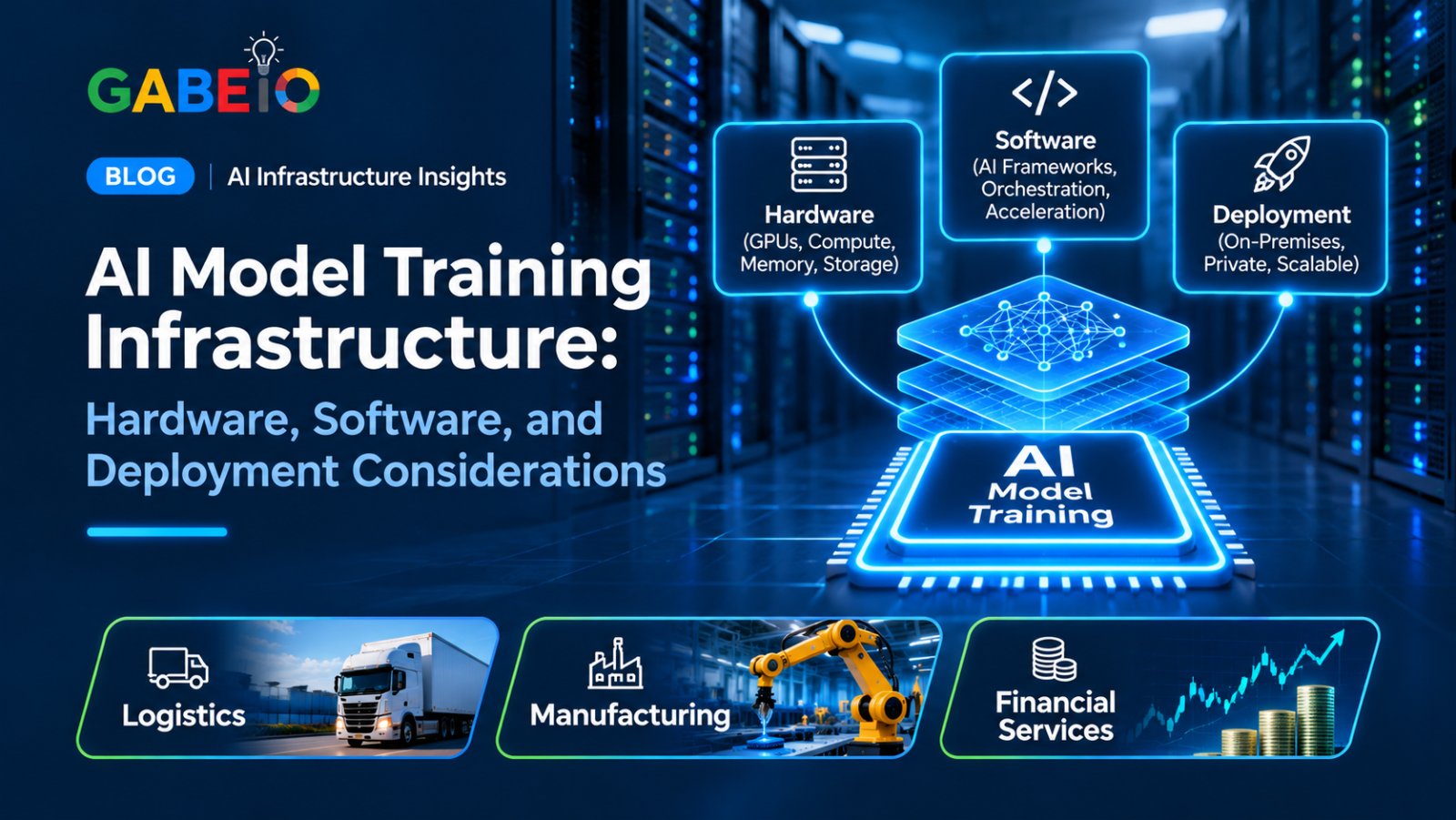
Artificial intelligence model development requires computing infrastructure capable of processing large datasets, performing complex mathematical operations, and supporting repeated training workloads.
As organizations develop and adapt AI models, infrastructure becomes an important part of their AI strategy. The available computing resources can influence training capacity, development workflows, scalability, and operating costs.
For enterprises building their own AI capabilities, selecting the right infrastructure requires more than purchasing powerful GPUs. Organizations must consider processors, memory, storage, networking, software compatibility, power, cooling, and future expansion.
On-premises AI training infrastructure provides an option for organizations that want to operate selected model-development workloads within their own computing environments.
This guide explains the components of AI model training infrastructure and what businesses should consider when planning an enterprise deployment.
What Is AI Model Training Infrastructure?
AI model training infrastructure refers to the hardware, software, storage, and networking resources required to develop, train, and adapt artificial intelligence models.
Training involves exposing a model to datasets so that it can learn patterns and adjust its internal parameters.
Depending on the model and training approach, this process can require substantial computing resources.
A typical AI training environment may include:
- GPU servers.
- CPUs and system memory.
- High-performance storage.
- High-speed networking.
- AI development frameworks.
- Training and orchestration software.
- Monitoring and infrastructure management tools.
The infrastructure requirements depend on the model architecture, dataset size, training methodology, and expected development workload.
1. Understanding Different AI Training Workloads
Before selecting hardware, organizations should identify the type of training work they intend to perform.
Different training approaches have different computing requirements.
Training Models From Scratch
Training a model from scratch involves developing a model using large datasets and initializing its parameters before the training process.
This can require significant GPU computing resources, memory, storage, and infrastructure.
The requirements depend on model architecture, parameter count, dataset size, training duration, and the number of GPUs used.
Fine-Tuning Existing Models
Fine-tuning involves adapting an existing trained model to a particular task, dataset, or business application.
Depending on the technique, fine-tuning may require fewer resources than training a large model from scratch.
Organizations may use fine-tuning to adapt models for internal knowledge applications, document processing, specialized business workflows, or domain-specific tasks.
Distributed Training
Distributed training uses multiple GPUs or computing systems to perform training operations.
This approach can help support larger workloads, but it requires appropriate software, communication infrastructure, and workload parallelization.
Not every training task benefits equally from distributed computing. Organizations should validate the intended training method before selecting a multi-GPU or multi-server architecture.
2. Choosing the Right GPUs for AI Training
GPUs are among the most important components of modern AI training infrastructure.
They accelerate the mathematical operations used during model training and can provide substantial computing capacity for compatible workloads.
When selecting GPUs, organizations should evaluate several factors.
GPU Architecture
GPU architecture influences supported computing capabilities, precision formats, memory architecture, and software compatibility.
Organizations should select GPUs based on the training frameworks, model requirements, and workloads they intend to run.
GPU Memory
GPU memory is critical because model parameters, training data, and intermediate computations require memory during training.
Requirements depend on:
- Model size.
- Training precision.
- Batch size.
- Sequence length.
- Optimizer configuration.
- Training methodology.
A model may require multiple GPUs if its memory requirements exceed the capacity of a single GPU.
Number of GPUs
The number of GPUs should reflect the workload and training approach.
More GPUs can provide additional computing resources, but performance improvements depend on how effectively the training software distributes work across them.
Organizations should evaluate GPU count alongside interconnect technology, PCIe topology, memory requirements, and software support.
3. Understanding CPU and System Memory Requirements
Although GPUs perform much of the accelerated computation, CPUs and system memory remain essential to AI training infrastructure.
CPUs support data preparation, application execution, system operations, and coordination of computing workloads.
System memory supports:
- Dataset loading.
- Data preprocessing.
- Application execution.
- Operating system operations.
- Supporting training processes.
When selecting a training server, organizations should evaluate processor count, CPU generation, core availability, memory capacity, memory channels, and system architecture.
An appropriately balanced system helps prevent the CPU and memory subsystem from limiting the performance of the GPU workload.
4. Storage Requirements for AI Training
AI training environments may work with large datasets, model files, checkpoints, logs, and supporting application files.
Storage must support both the capacity and performance requirements of the workload.
Storage Capacity
Organizations should estimate the storage needed for:
- Training datasets.
- Model checkpoints.
- Model files.
- Application software.
- Logs and experiment records.
- Backup and recovery.
Storage requirements can increase as datasets and model-development projects grow.
Storage Performance
Training workloads may repeatedly access large amounts of data.
Slow data access can affect how efficiently GPUs remain supplied with information.
Organizations should evaluate storage throughput, read and write performance, supported interfaces, and the number of concurrent data-access operations.
Data Protection
Training datasets may contain confidential or commercially sensitive information.
Organizations should establish suitable backup, access control, encryption, retention, and recovery procedures.
5. Networking and Multi-GPU Communication
Networking is particularly important when AI training workloads use multiple GPUs or multiple servers.
GPUs may need to exchange information during distributed training.
The communication architecture can influence how efficiently the computing resources operate together.
Important considerations include:
- Network bandwidth.
- Network latency.
- GPU-to-GPU communication.
- PCIe topology.
- Supported interconnect technologies.
- Network adapter compatibility.
- Data movement between servers.
Organizations should distinguish between a single-server multi-GPU deployment and a distributed multi-server environment.
Distributed training may require additional networking and orchestration infrastructure beyond what is needed for a single-server deployment.
6. AI Training Software and Frameworks
Hardware alone cannot deliver an AI training environment.
Organizations also need software that supports model development, dataset management, training execution, and experiment monitoring.
The software stack may include:
- Deep learning frameworks.
- GPU drivers and computing libraries.
- Model development tools.
- Training orchestration software.
- Data-processing frameworks.
- Experiment tracking tools.
- Container platforms.
- Monitoring and management software.
Software compatibility should be confirmed for the selected GPUs, operating system, and server configuration.
Organizations should also verify licensing requirements and distinguish between software that is preinstalled, integrated, supported, optional, or separately licensed.
7. Power and Cooling Requirements
AI training servers can require substantial electrical power and produce significant heat, particularly when configured with multiple GPUs.
Before purchasing infrastructure, organizations should evaluate:
- GPU power requirements.
- Total system power consumption.
- Power supply capacity.
- Redundancy.
- Electrical input requirements.
- Cooling architecture.
- Airflow requirements.
- Rack compatibility.
The power and cooling requirements of a server depend on its actual configuration.
A system should be evaluated using the manufacturer's specifications for the selected hardware configuration rather than assumptions based on GPU count alone.
8. On-Premises AI Training vs. Cloud-Based Training
Organizations can train AI models using cloud infrastructure or systems deployed within their own facilities.
Each approach has different operational and financial considerations.
| Consideration | On-premises AI training | Cloud-based AI training |
|---|---|---|
| Infrastructure control | Greater direct control over hardware and deployment | Depends on provider services |
| Initial investment | Requires hardware acquisition and deployment | Often lower initial infrastructure investment |
| Resource availability | Limited by installed capacity | Resources can be provisioned according to availability |
| Cost structure | Hardware, electricity, cooling, maintenance, and administration | Usage-based or subscription charges may apply |
| Data processing | Can occur within controlled infrastructure | Takes place in the provider's environment |
| Scalability | Depends on available expansion capacity | May offer flexible resource scaling |
| Management | Requires internal infrastructure expertise | Provider manages much of the underlying infrastructure |
Some enterprises use a hybrid approach, combining private infrastructure with cloud computing resources according to workload requirements.
The best approach depends on training frequency, workload size, utilization, security requirements, and total cost of ownership.
9. Security and Governance in AI Training Environments
AI training may involve proprietary datasets, internal documents, business information, and other sensitive material.
Organizations should implement appropriate security measures throughout the training environment.
Important controls include:
Access Management
Restrict access to training infrastructure, datasets, model files, and administrative tools according to employee responsibilities.
Data Protection
Apply suitable encryption, backup, retention, and data-handling policies.
Network Security
Use appropriate network segmentation and restrict unnecessary external access.
Monitoring and Logging
Maintain visibility into system activity, user access, training jobs, and infrastructure performance.
Model Governance
Track model versions, training datasets, configuration changes, and evaluation results.
These measures help organizations maintain control over the model-development process and supporting infrastructure.
10. How to Plan an Enterprise AI Training Deployment
A successful AI training deployment should begin with a clear understanding of the intended workload.
Step 1: Define the Training Objective
Determine whether the organization intends to train models from scratch, fine-tune existing models, or conduct distributed training.
Step 2: Identify Model and Dataset Requirements
Evaluate model architecture, dataset size, training precision, memory requirements, and expected training duration.
Step 3: Determine Computing Requirements
Estimate GPU count, GPU memory, CPU requirements, system memory, and storage capacity.
Step 4: Select the Server Architecture
Determine whether a single-GPU workstation, multi-GPU server, or distributed infrastructure is appropriate.
Step 5: Validate Software Compatibility
Confirm that the selected hardware supports the required operating system, drivers, frameworks, and training tools.
Step 6: Prepare the Deployment Environment
Evaluate power, cooling, rack space, networking, security, and infrastructure management.
Step 7: Run a Training Pilot
Test the proposed configuration using representative workloads.
Measure GPU utilization, memory usage, training stability, data-loading performance, and operating costs.
Step 8: Plan for Expansion
Evaluate future GPU, memory, storage, and networking requirements before expanding the deployment.
11. What to Look for in an Enterprise AI Training Server
When comparing AI training servers, organizations should assess the complete system rather than focusing on individual specifications.
| Component | What to evaluate |
|---|---|
| GPUs | Architecture, model, computing capability, memory, and supported count |
| CPUs | Processor generation, core count, and supported configurations |
| System memory | Capacity, type, speed, and expansion |
| Storage | Capacity, interfaces, and data-access performance |
| PCIe | Generation, slot count, and lane allocation |
| GPU communication | Supported interconnect architecture |
| Networking | Bandwidth, connectivity, and scalability |
| Power | PSU capacity, redundancy, and input requirements |
| Cooling | Thermal design and airflow |
| Software | Framework, driver, and operating system compatibility |
| Security | Access management, encryption, and monitoring |
| Expansion | Supported hardware upgrades and deployment options |
A server should be selected according to the organization's actual training requirements and validated configuration.
12. How GabeHERO RX Supports Enterprise AI Infrastructure
Organizations evaluating on-premises AI training need computing infrastructure that can support their intended workloads and deployment requirements.
GabeHERO RX is a data-center AI server designed for private infrastructure, enterprise AI training and inference, and Physical AI workloads.
Its documented platform specifications include:
- GPU platform: NVIDIA RTX PRO 6000D.
- GPU configuration: Up to eight dual-width GPUs, subject to configuration.
- GPU power: Up to 600W per card.
- CPU options: Two Intel Xeon 4th/5th Gen processors or two AMD EPYC 9004/9005 processors.
- Form factor: 6U rack server.
- Storage: Twelve front bays, comprising eight SATA/SAS and four SATA/SAS/NVMe.
- Expansion: Eleven PCIe 5.0 slots.
- MIG support: Yes.
- Operating system: Preinstalled HerosOne Operating System.
Supporting Multi-GPU AI Workloads
GabeHERO RX provides a multi-GPU server platform for organizations evaluating enterprise AI infrastructure.
Its support for configurations of up to eight dual-width GPUs provides flexibility when planning suitable AI workloads.
The server is positioned for enterprise AI training and inference, private infrastructure, and Physical AI training and simulation.
The appropriate configuration depends on the model, training methodology, memory requirements, software environment, and deployment conditions.
Organizations should confirm the exact GPU configuration, available memory, PCIe topology, software compatibility, and system power requirements before selecting a configuration for training workloads.
GabeHERO RX is an infrastructure platform, not a guarantee of specific model-training times or performance results. Those must be established through workload-specific testing.
Frequently Asked Questions
What is AI model training infrastructure?
AI model training infrastructure consists of the hardware, software, storage, and networking resources required to develop, train, and adapt AI models.
What hardware is needed to train AI models?
AI training infrastructure may require GPUs, CPUs, system memory, storage, networking, and suitable power and cooling systems. Requirements depend on the model and training methodology.
Why are GPUs important for AI training?
GPUs accelerate the mathematical operations used in many AI training workloads. Their computing capabilities and memory capacity influence which training tasks a system can support.
Can AI models be trained on-premises?
Yes. Organizations can deploy AI training infrastructure within their own facilities or private data centers, provided they have suitable hardware, software, and supporting infrastructure.
What is the difference between training and fine-tuning?
Training from scratch involves developing a model using training data. Fine-tuning adapts an existing trained model to a specific task or dataset.
Does AI training require multiple GPUs?
Not always. Smaller workloads may run on a single GPU, while larger models or more demanding training processes may require multiple GPUs.
What is distributed AI training?
Distributed AI training uses multiple GPUs or computing systems to perform training operations. It requires suitable software and communication infrastructure.
How much memory is needed for AI model training?
Memory requirements depend on model size, training precision, batch size, sequence length, optimizer configuration, and training methodology.
Can a multi-GPU server support both training and inference?
Some multi-GPU servers can support both, depending on their hardware configuration, software environment, and workload requirements.
What should businesses consider before purchasing an AI training server?
Businesses should evaluate GPU configuration, memory, CPU architecture, storage, networking, software compatibility, power, cooling, security, scalability, and total cost of ownership.
Conclusion
AI model training requires infrastructure capable of supporting the computing, memory, storage, and networking demands of the selected workload.
For enterprises building their own AI capabilities, selecting the right server involves understanding the model-development process and validating the complete hardware and software configuration.
Multi-GPU servers can provide a foundation for more demanding AI workloads when their architecture and software environment are appropriately configured.
GabeHERO RX offers an enterprise multi-GPU server platform designed for private AI infrastructure, AI training and inference, and Physical AI workloads.
Ready to evaluate enterprise AI infrastructure for your organization? Use the Request More Information button below and we will get back to you within one business day.