What Is an Enterprise AI Server? A Buyer's Guide
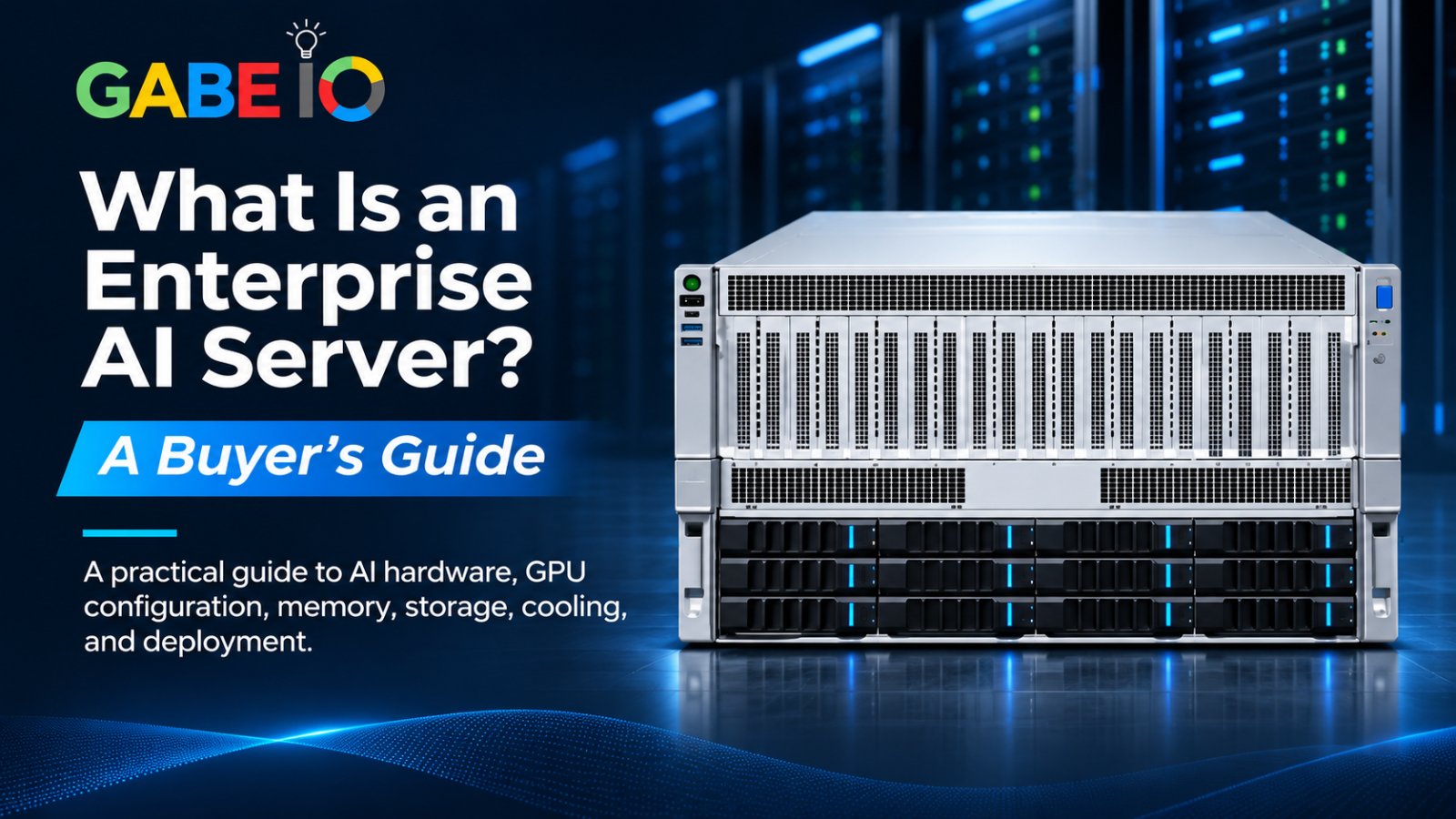
Artificial intelligence is becoming an important part of enterprise operations, from automating business processes to analyzing large datasets and supporting intelligent applications. However, deploying AI at an enterprise level requires more than choosing an AI model or software platform. Businesses also need the right computing infrastructure to run their workloads reliably and efficiently.
An enterprise AI server is a specialized computing system designed to support demanding artificial intelligence workloads, including model training, inference, and other GPU-intensive applications. Unlike traditional servers built primarily for general computing and data processing, AI servers are configured to provide the processing capabilities, memory, storage, and expansion capacity required by AI workloads.
For organizations considering on-premises AI deployment, selecting the right server is an important infrastructure decision. This guide explains what an enterprise AI server is, how it works, which hardware specifications matter, and what businesses should consider before purchasing one.
What Is an Enterprise AI Server?
An enterprise AI server is a high-performance computing system designed to run artificial intelligence workloads within an organization's IT infrastructure or data center.
These systems commonly use Graphics Processing Units (GPUs) alongside CPUs to handle the parallel computations involved in AI model training and inference. Depending on the intended workload, an AI server may also require substantial memory capacity, high-speed storage, advanced networking, and expansion capabilities.
Enterprise AI servers can support workloads such as:
- AI model training and fine-tuning.
- Large language model inference.
- Computer vision and image processing.
- Predictive analytics and data processing.
- AI-powered business applications.
- Physical AI training and simulation.
Organizations can deploy AI servers in their own data centers or private infrastructure environments, depending on their operational, technical, and data governance requirements.
The objective is to provide computing resources that match the organization's AI workloads while allowing its technical teams to manage infrastructure, deployment, and resource allocation.
How Does an Enterprise AI Server Work?
An enterprise AI server combines several hardware components to execute AI workloads.
Each component contributes to the system's ability to process data, execute computations, store information, and support AI applications.
1. Graphics Processing Units (GPUs)
GPUs are among the most important components of many AI servers. They are designed to perform large numbers of calculations in parallel, making them useful for the mathematical operations involved in AI model training and inference.
When evaluating a GPU server, businesses should consider:
- GPU model and architecture.
- GPU memory capacity.
- Number of supported GPUs.
- Power and cooling requirements.
- Software and workload compatibility.
Multi-GPU systems can provide additional computing resources for workloads that are designed to use multiple GPUs. However, the benefits depend on the application, model architecture, software configuration, and workload distribution.
2. Central Processing Units (CPUs)
CPUs manage general system operations, coordinate workloads, and handle tasks that support GPU processing.
An AI server's CPU platform should be evaluated based on the workload, number of GPUs, memory requirements, storage configuration, and available expansion resources.
For enterprise buyers, CPU compatibility and system configuration are important considerations when selecting infrastructure for demanding AI applications.
3. System Memory
System memory supports the operating system, applications, data processing, and other tasks performed by the server.
The amount of memory required depends on the workload, software environment, data volume, and number of applications running simultaneously.
Buyers should evaluate memory capacity, supported memory configurations, and upgrade options before selecting an AI server.
4. Storage
AI workloads may involve large datasets, model files, checkpoints, application data, and other resources.
Storage configuration can therefore influence how data is accessed and managed across the infrastructure.
When evaluating an enterprise AI server, consider:
- Number of available storage bays.
- Supported storage interfaces.
- NVMe support, where applicable.
- Capacity requirements.
- Storage expansion options.
5. Power and Cooling
GPU-intensive computing systems can have substantial power and thermal requirements.
A server's power supply, cooling architecture, and airflow design should be evaluated alongside its GPU configuration. These factors affect deployment planning and the infrastructure needed to operate the system.
Businesses should confirm that their data center or server environment can accommodate the selected configuration.
6. Expansion and Management Capabilities
Enterprise AI infrastructure may need to accommodate additional hardware or changing workloads over time.
PCIe expansion, storage options, system management interfaces, and multi-tenant resource capabilities are useful considerations when comparing AI server platforms.
The right configuration depends on the organization's current requirements and expected infrastructure needs.
Enterprise AI Server vs. Traditional Server: What's the Difference?
Traditional servers are designed to support general-purpose computing, business applications, databases, file storage, and other enterprise IT workloads.
Enterprise AI servers are configured specifically to support computationally intensive AI workloads.
| Feature | Traditional Server | Enterprise AI Server |
|---|---|---|
| Primary purpose | General business computing | AI training, inference, and GPU-intensive workloads |
| Processing | Primarily CPU-based, depending on configuration | GPU-accelerated, often alongside CPUs |
| GPU configuration | May have limited or no GPU support | Designed to support dedicated GPU configurations |
| Memory requirements | Depend on general applications | Depend on AI models, datasets, and workloads |
| Expansion | Based on general server requirements | May include specialized GPU, storage, and PCIe expansion |
| Typical applications | Databases, file services, business applications | AI inference, model training, computer vision, and simulation |
The distinction is not that traditional servers cannot run AI workloads. Some can support AI applications when configured with suitable hardware.
Rather, an enterprise AI server is designed around the computing and infrastructure requirements associated with AI workloads.
AI Training vs. AI Inference: What Does Your Business Need?
Before purchasing an AI server, businesses should understand the difference between AI training and AI inference.
These workloads have different computing requirements and may influence the type of infrastructure an organization needs.
AI Model Training
AI training involves processing data to develop or improve an AI model. Depending on the model and training approach, this can require substantial GPU computing resources, memory, storage, and data processing capabilities.
Enterprise AI training workloads may include:
- Training machine learning models.
- Fine-tuning existing models.
- Developing computer vision systems.
- Training models for specialized business applications.
- Supporting Physical AI research, training, and simulation workflows.
AI Inference
AI inference occurs when a trained model processes new inputs to generate predictions, classifications, responses, or other outputs.
Examples include:
- Processing images from manufacturing inspection systems.
- Analyzing operational information in logistics environments.
- Supporting document analysis and business intelligence.
- Running enterprise AI assistants.
- Supporting financial analysis and risk-related applications.
Some organizations primarily need inference infrastructure, while others require resources for both training and inference.
Before selecting an AI server, buyers should identify their intended workloads and evaluate the hardware and software requirements associated with them.
What Should You Look for When Buying an Enterprise AI Server?
Selecting an enterprise AI server requires more than comparing GPU specifications. Buyers should evaluate the complete system and how it fits into their organization's infrastructure.
Here are seven important considerations.
1. Define Your AI Workloads
Start by identifying what the server will be used for.
Will the system support AI inference, model training, fine-tuning, computer vision, Physical AI simulation, or several workloads?
The answer will influence GPU requirements, memory capacity, storage configuration, and system expansion needs.
2. Evaluate GPU Configuration
GPU architecture, memory, power requirements, and the number of supported GPUs are important factors.
For multi-GPU workloads, buyers should also consider whether their software can effectively distribute tasks across the available GPUs.
Do not select a server based on GPU count alone. Evaluate the complete configuration against the intended workload.
3. Check CPU and Memory Requirements
The CPU platform and system memory should support the intended applications and data-processing requirements.
Compare supported CPU options, memory capacity, and upgrade possibilities before making a purchasing decision.
4. Review Storage and Expansion
Consider the amount and type of storage required for datasets, model files, and application workloads.
Also evaluate available PCIe expansion, storage bays, and the system's ability to accommodate the hardware configuration your organization needs.
5. Understand Power and Cooling Requirements
A high-density GPU server requires appropriate power delivery and thermal management.
Confirm the server's power requirements, cooling design, physical dimensions, and compatibility with your deployment environment.
6. Consider Multi-Tenant Resource Management
Organizations supporting multiple teams, applications, or workloads may need ways to allocate GPU resources.
For NVIDIA GPU platforms that support Multi-Instance GPU (MIG), this capability can allow supported GPUs to be partitioned into separate instances.
Buyers should confirm MIG availability for the selected GPU and system configuration and assess whether it fits their workload and software requirements.
7. Evaluate Software and Deployment Compatibility
Hardware alone does not determine whether an AI deployment will meet business requirements.
Organizations should evaluate operating system compatibility, AI frameworks, drivers, orchestration tools, application requirements, and deployment processes.
They should also consider how the server will integrate with their existing infrastructure and operational workflows.
Why Are Enterprises Considering Private AI Infrastructure?
Organizations across different industries are evaluating ways to run AI workloads within infrastructure they control.
Private AI infrastructure refers to computing environments in which an organization manages the deployment and operation of its AI workloads rather than relying entirely on externally hosted AI services.
This approach may be relevant to businesses with specific requirements around data governance, infrastructure control, workload management, and operational flexibility.
Logistics
Logistics organizations can use AI for operational analysis, computer vision, warehouse automation, and other data-intensive applications.
Private AI infrastructure may support workloads involving operational data and image processing, depending on the deployment architecture.
Manufacturing
Manufacturers are exploring AI for visual quality inspection, predictive maintenance, production analysis, and industrial automation.
AI infrastructure can provide the computing resources needed to develop and operate these applications.
Financial Services
Financial institutions may evaluate private AI infrastructure for document processing, financial analysis, fraud-related workflows, and internal AI applications.
Their infrastructure decisions may also involve data governance, access controls, workload oversight, and integration with existing systems.
The appropriate deployment model depends on each organization's technical, operational, and regulatory requirements.
What Is the Difference Between an AI Workstation and an Enterprise AI Server?
An AI workstation and an enterprise AI server can both support AI workloads, but they are designed for different deployment requirements.
An AI workstation is generally suited to individual users, developers, researchers, or teams running AI applications locally.
An enterprise AI server is designed for more substantial infrastructure deployments, including multi-GPU configurations, data-center environments, and workloads that require shared computing resources.
For example, Gabe IO offers two products within its GabeHERO product line:
- GabeHERO TX: A local AI inference workstation designed to run AI workloads within an organization's environment.
- GabeHERO RX: An enterprise AI server designed for private infrastructure and data-center AI workloads.
The appropriate option depends on the organization's workload requirements, deployment environment, and desired computing configuration.
Introducing GabeHERO RX: Enterprise AI Server for Private Infrastructure
GabeHERO RX is Gabe IO's enterprise AI server for private infrastructure and data-center AI workloads.
It is designed to support enterprise AI environments requiring GPU-accelerated computing for training, inference, and other demanding workloads.
The RX platform uses the NVIDIA RTX PRO 6000D GPU platform and supports configurations of up to eight dual-width GPUs, subject to the selected system configuration.
Key GabeHERO RX Specifications
| Specification | Details |
|---|---|
| GPU platform | NVIDIA RTX PRO 6000D |
| GPU configuration | Up to 8 × dual-width GPUs |
| GPU power support | Up to 600W per card |
| CPU options | 2 × Intel Xeon 4th/5th Gen or 2 × AMD EPYC 9004/9005 |
| Storage | 12 front bays: 8 × SATA/SAS and 4 × SATA/SAS/NVMe |
| Expansion | 11 × PCIe 5.0 |
| MIG support | Yes |
| Form factor | 6U rack server |
| Cooling | Independent CPU/GPU airflow channels |
| Management | VGA, BMC interfaces, and Type-C serial port |
The final memory capacity, power supply configuration, dimensions, and weight depend on the selected system configuration.
What Workloads Can GabeHERO RX Support?
GabeHERO RX is positioned for enterprise infrastructure environments that require GPU-accelerated computing.
Potential workload areas include:
- Enterprise AI model training and inference.
- Private AI infrastructure deployments.
- Multi-tenant GPU workloads using supported MIG configurations.
- Physical AI training and simulation.
- AI workloads within private data-center environments.
The specific workloads supported depend on the selected hardware configuration, software stack, and application requirements.
For organizations evaluating enterprise AI servers, RX provides a platform to consider when planning private AI infrastructure.
Frequently Asked Questions About Enterprise AI Servers
1. What is an enterprise AI server used for?
An enterprise AI server is used to run computationally intensive AI workloads, including model training, inference, computer vision, and other GPU-accelerated applications. Organizations can deploy these systems in private data centers or other managed infrastructure environments.
2. What is the difference between an AI server and a GPU server?
A GPU server is a server equipped with one or more graphics processing units. An AI server is a broader category of infrastructure configured to support AI workloads. Many enterprise AI servers are GPU servers, but the complete system also includes CPUs, memory, storage, cooling, and supporting infrastructure.
3. How many GPUs does an enterprise AI server need?
The required number of GPUs depends on the workload, model size, memory requirements, software architecture, and performance objectives. Some applications can run on a single GPU, while other workloads may benefit from multi-GPU configurations.
4. Can an enterprise AI server run AI models on-premises?
Yes. An enterprise AI server can be deployed within an organization's data center or private infrastructure to run supported AI models locally. The actual deployment depends on the hardware, software, model requirements, and infrastructure environment.
5. Can an AI server support both training and inference?
Yes, depending on its hardware configuration and software environment. However, training and inference workloads have different resource requirements. Organizations should evaluate their intended workloads before selecting a system.
6. What is MIG support in an AI server?
MIG stands for Multi-Instance GPU. On supported NVIDIA GPUs, it allows a GPU to be partitioned into separate instances with dedicated resources. This can help organizations allocate supported GPU resources across different workloads or users.
7. What should businesses consider before buying an enterprise AI server?
Businesses should evaluate their AI workloads, GPU configuration, CPU platform, memory, storage, expansion capabilities, power requirements, cooling, software compatibility, and deployment environment.
8. What is the difference between GabeHERO TX and GabeHERO RX?
GabeHERO TX is a local AI inference workstation, while GabeHERO RX is an enterprise AI server for private infrastructure and data-center workloads. The right product depends on the organization's computing requirements and deployment needs.
Conclusion: Choosing the Right Enterprise AI Server
Choosing an enterprise AI server is an infrastructure decision that should begin with a clear understanding of the workloads an organization intends to run.
GPU configuration, CPU platform, memory, storage, cooling, expansion, software compatibility, and deployment requirements all influence the suitability of a system.
For organizations evaluating private AI infrastructure, Gabe IO offers the GabeHERO product line, including GabeHERO TX for local AI inference and GabeHERO RX for enterprise AI server deployments.
Understanding these differences can help businesses select infrastructure that aligns with their AI requirements and long-term technology plans.
Planning your enterprise AI infrastructure?
Explore GabeHERO RX and contact Gabe IO to discuss your organization's AI server requirements and configuration options.